Stop taking the supplier's word for how busy the plant is.
You already hear it from the account manager and see it on the occasional visit. Supplier Utilisation reads the yard, the docks and the car park at the site you name, every week, and gives you a status: Flatout, Steady, Slack or Idle, with the counts behind it.
Supplier's word and the site visit
The account manager's answer on a call, or the capacity line in the QBR pack.
With Supplier Utilisation
- Flatout
- Steady
- Slack
- Idle
- GSD
- ≤0.5 m (VHR)
- Cadence
- Weekly
- Platform
- VHR satellite / aerial
- Spectral
- RGB
The job today
The call before the PO run
You are about to place orders on a part with one approved supplier. Is that plant flat out, so your lead time is about to stretch, or sitting half empty, which tells you something about their order book?
You ask the account manager, who is paid to say everything is fine. You check last quarter's QBR slide. If the visit is due, you fly out and see one day. None of it tells you what the yard looked like last week, so the first hard signal is a confirmed date that slips.
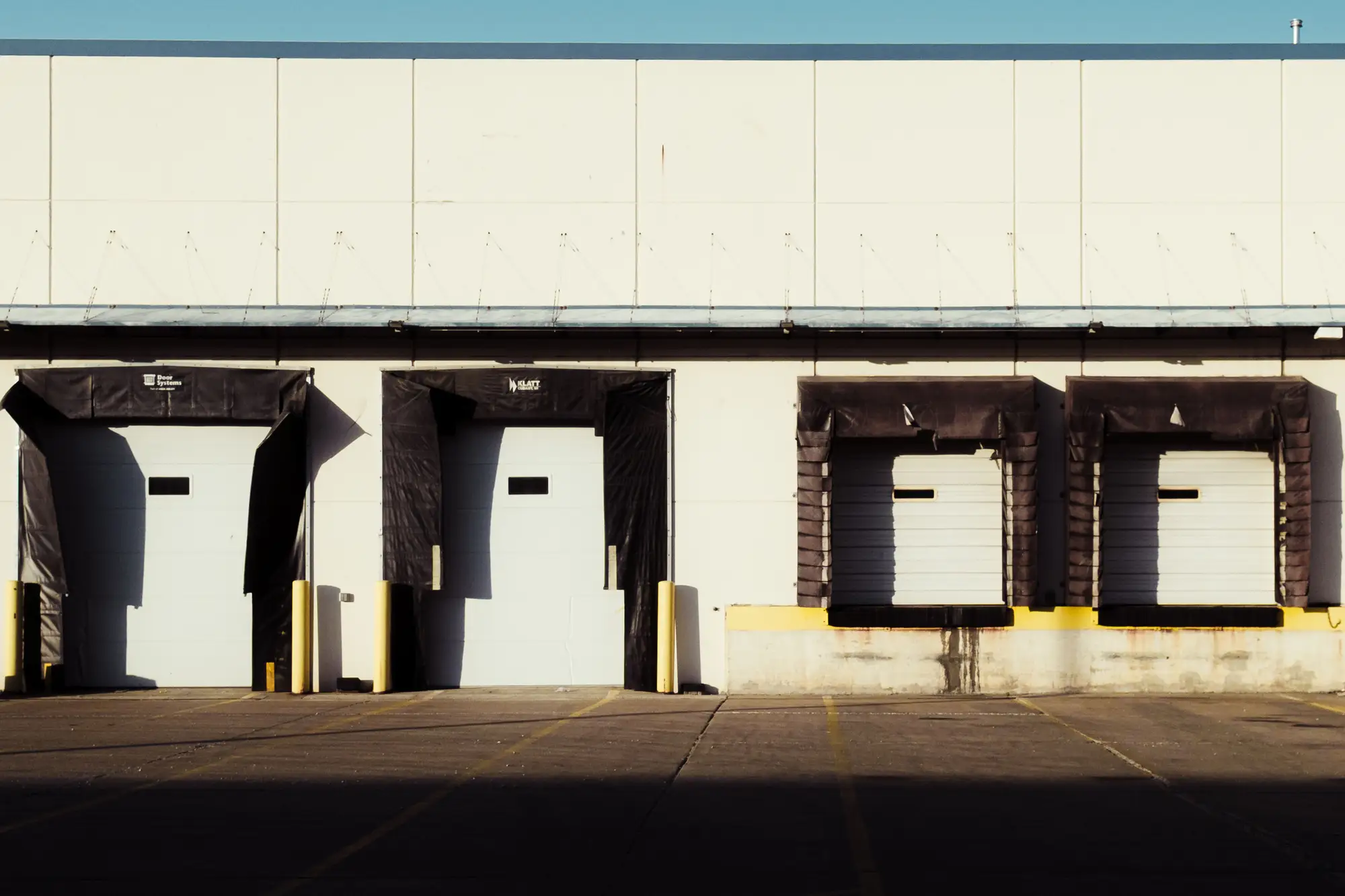
The same PO cycle, run two ways
01Asking how busy they are
Supplier's word and the site visitThe account manager's answer on a call, or the capacity line in the QBR pack.
With Supplier UtilisationA weekly status for the named site, built from the trucks, trailers and parked vehicles in the imagery.
Still yoursThe conversation with the supplier. You now arrive with something to ask about.
02The quarterly site visit
Supplier's word and the site visitA day on site, which shows you that day and tells you little about the weeks either side.
With Supplier UtilisationA count trail running week by week, so you can see whether the yard has been filling or emptying since the last visit.
Still yoursWalking the floor. The imagery sees the outside of the building and nothing else.
03Updating the scorecard
Supplier's word and the site visitThe utilisation line rests on what the supplier reported.
With Supplier UtilisationA line you can fill from your own weekly read, with the counts to point to if the supplier disagrees.
04Timing the PO
Supplier's word and the site visitYou place the order and find out about a capacity squeeze when the confirmed date moves.
With Supplier UtilisationA site that has gone from Steady to Flatout, shown in the weekly delta, gives you a reason to raise the order or the conversation sooner.
05Spotting a quiet plant
Supplier's word and the site visitA supplier running light rarely says so. You hear it late, or from a rival's sales rep.
With Supplier UtilisationA site reading Slack or Idle week after week shows up in the status history, which the supplier's own account may never give you.
06Deciding to qualify a second source
Supplier's word and the site visitThe decision rests on the supplier's story and your own unease.
With Supplier UtilisationThe same decision, with the weekly reads to date beside it.
Still yoursThe decision itself, and everything about the supplier that happens indoors.
What you get
What lands each week
Per named site, through the pilot period. Each item serves a row of the ledger above.
- Status wordPlant status read
Flatout, Steady, Slack or Idle for the site that week. It's the line you carry into the scorecard or the QBR, and it answers the first question in the ledger.
Ledger row 01: Asking how busy they are- CountsCount trail
The trucks, trailers and parked vehicles counted that week, kept in a running series beside the earlier weeks. It's what you point to when someone asks where the status came from, and what stands in for the days between site visits.
Ledger row 02: The quarterly site visit- Change on last readWeekly delta
How this week's read compares with the prior one, so a site that has moved up or down a notch is the first thing you see. It sits next to the PO decision.
Ledger row 04: Timing the PO- Imagery datesPass note
The date of the image each read came from, and a flag when a site had to be carried over from an earlier pass because of cloud. You know how old each read is.
How it works
Through a pilot
You name the sites once. The reads come back each week for the period we agree.
Before the first read
01Name the sites
Send an address or coordinates for each supplier site you want on watch. Start with the single-source suppliers you worry about most.
02Agree the pilot period
Say how long you want the sites watched and when your next PO cycle or QBR falls, so the reads land ahead of it.
Every week
03Weekly pass, counted
We pull the latest usable pass over each site, count the trucks, trailers and parked vehicles, and set them against the prior read.
04The read goes out
The status, the counts and the pass note for each site, in time for the week's decisions.
End of the period
05Pilot review
You compare the reads with what you know about each supplier and decide whether to keep going.
Limits
What the supplier's word and the site visit still do better
Read these before you plan a PO around a read.
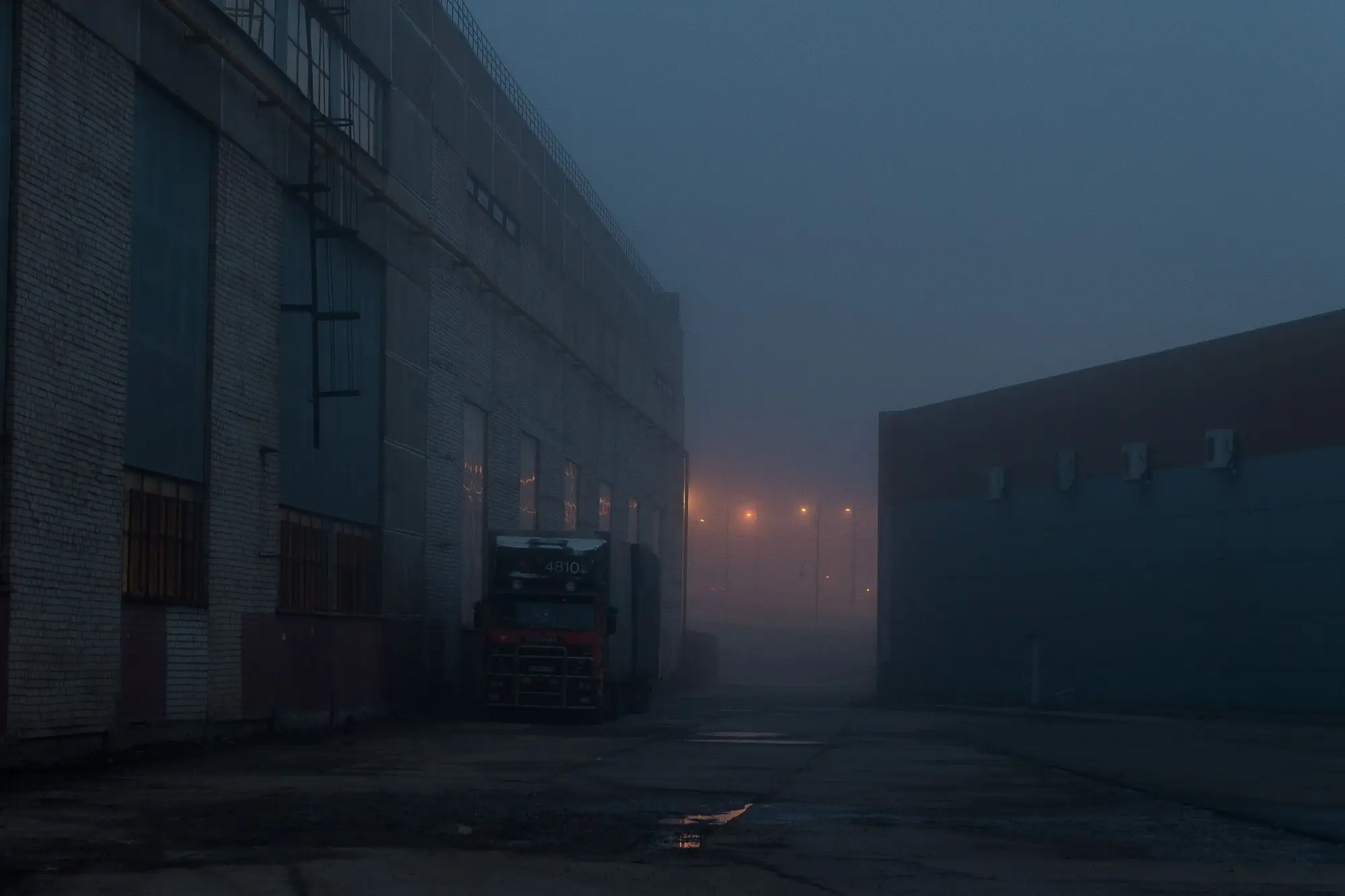
Outdoor activity only
The read sees yards, docks and car parks from above. It can't see inside the building, the production lines or what is on a trailer. A busy yard is a sign of a busy plant, not proof of it.
Some sites show little
A plant with an enclosed yard, covered docks or hardly any outdoor traffic gives a weak signal. We would tell you that before the pilot starts rather than hand you a status that rests on a few vehicles.
Cloud can skip a week
The imagery is optical. A cloudy pass is skipped and the site is read on the next clear one, so a week can run late or be carried over, and the pass note says so. A phone call doesn't wait on the weather.
Resolution sets what is counted
At 0.5 m or finer, a pixel is too coarse to tell one kind of truck from another or to see whether a trailer is loaded. Trailers and larger vehicles are counted. Smaller vehicles in a car park are counted as vehicles and nothing more.
Weekly is the target
The cadence is a target, not a feed. It follows satellite and aerial passes, so it is no replacement for being told today that a line is down.
Switch if
- You own a single-source category and your picture of the supplier's capacity comes from the supplier.
- You want something to bring to the QBR and the scorecard between site visits.
- You run a supplier watch list and want the sites that matter most checked every week.
Stay with the site visit if
- You need to see inside the plant, a production line or a quality system.
- You want a figure for output, yield or on-time delivery.
- You need to know today, not this week, that a site has stopped.
FAQ
Before you switch
Does this replace the site visit?
No. It tells you when to schedule one, and what to ask about when you get there.
Can you see inside the building?
No. The read covers the outdoor yard, docks and car parks. Production lines and anything under a roof are out of view.
How do we check a read against what we know?
Compare the status and counts with what the supplier tells you and what you see in your own lead times. During the pilot, if a read looks wrong for a site you know well, send it back and we will go through that week's image with you.
What happens when it's cloudy?
The pass is skipped and the site is read on the next clear one. The pass note says which sites are still on older imagery, so you know what you are reading.
Will it work on any supplier?
Only on sites with enough outdoor yard and dock activity to read. We will say so up front if a site looks like a poor fit.
Will it plug into our scorecard or ERP?
There is no direct integration. The status and counts are yours to put into your own scorecard or QBR pack.
How accurate are the counts?
We do not put an accuracy figure on this page. During a pilot you can check the counts against what you know about the site.
Can we watch the supplier's competitors, or sites that aren't ours?
This page is for sites of suppliers you buy from. Talk to us if you have a different need.
How is it priced?
It depends on how many sites you name and for how long, so we quote after we have seen the list. There is no price on this page.
Put your top single-source supplier on watch.
Send the address of one site and the date of your next PO run, and we will scope a pilot around it.